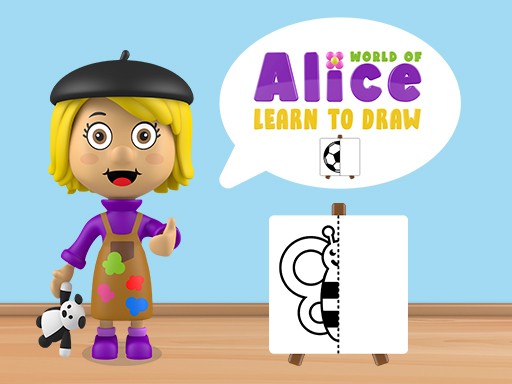
World of Alice Learn to Draw offers a structured yet playful approach to art education. Each drawing is broken into easy steps, allowing kids to progress at their own pace. The encouraging feedback keeps them motivated, and the unlockable levels provide a sense of achievement. The ad-free environment ensures uninterrupted learning. This game is a reliable tool for parents who want to nurture creativity in a safe digital space.
World of Alice Learn to Draw is an engaging educational game designed for children to develop their drawing skills in a fun and interactive way. Kids follow guided steps to complete charming drawings, boosting creativity and hand-eye coordination. This game turns learning into an adventure, making it perfect for young artists. Available on cell phones, tablets, and computers, it offers a safe, ad-free environment for kids to explore their artistic side. With Alice as their guide, children enjoy a positive learning experience that combines education with play.
To play World of Alice Learn to Draw, simply choose a drawing challenge from the menu. Follow the on-screen instructions to trace shapes and lines, completing the picture step by step. Use your finger or mouse to draw, and receive encouraging feedback as you progress. Each completed drawing unlocks new levels, keeping the fun going. The game is intuitive and easy for kids to navigate independently, with no complex rules. Just tap, draw, and learn.
World of Alice Learn to Draw offers a safe, interactive, and creative experience. It is educational and kid-friendly, with no ads to distract young learners. The game may include a variety of drawing challenges that increase in difficulty, and each finished artwork can unlock further levels. The simple interface is designed for children to use on their own, making it a perfect tool for developing fine motor skills and artistic confidence.
Encourage your child to take their time with each drawing, following the steps carefully. Practice regularly to improve hand-eye coordination and confidence. Celebrate each completed picture to keep motivation high. For younger children, you can sit with them and guide their first few drawings. The more they draw, the more they will enjoy learning new shapes and techniques.

Easy to play and full of outfit options. Great for kids who love fashion and dance.
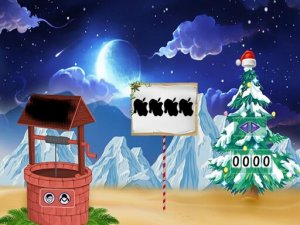
A delightful holiday escape game with gentle puzzles and a warm atmosphere. Perfect for a short, relaxing break.
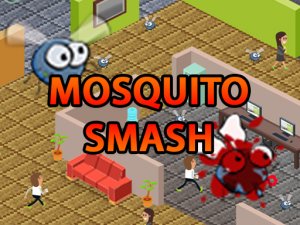
Simple and addictive. Colorful graphics and increasing difficulty keep you engaged. Great for quick play.

A charming dress-up game with many outfit choices. Easy to play and family-friendly.

A clever 3D twist on number matching. Simple controls and colorful visuals make it addictive.
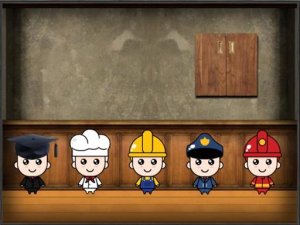
Clean point and click puzzles in a cheerful kids room. Great for short breaks and family fun.

Charming dress-up game with cute graphics and simple controls. Perfect for young children.

Adorable Chihuahua, easy clicker mechanics, and fun outfit customization. Great for casual players.